Your notebook is a place for your own notes in this course. It lives in Notion, which is note-taking software that you can search.
Use it for the things you do not want to forget:
- what you tried, and what happened
- a screenshot of your game when it does something new
- a piece of code you want to find again
- a question to ask me next class
Your notebook is yours. Nothing in it is graded. Write in whatever way helps you.
Log in to Notion
-
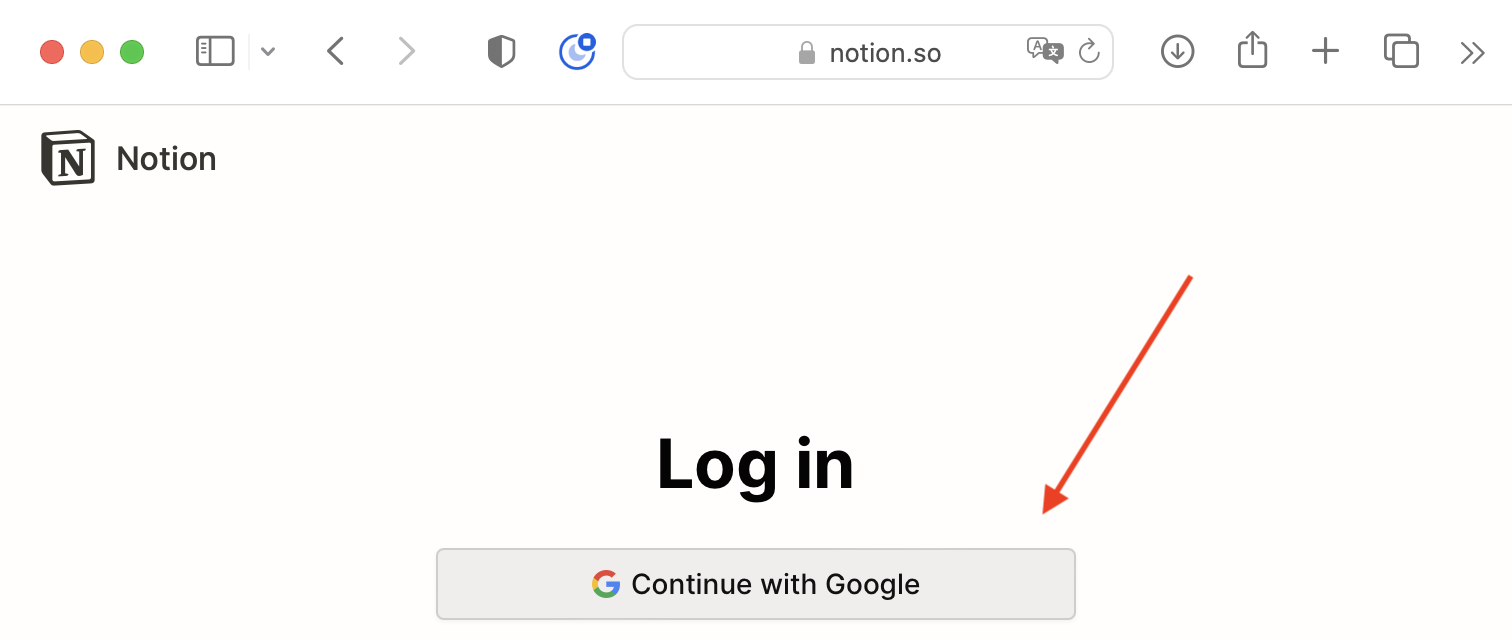
Please visit the Notion website and log in. Choose Continue with Google:
-
Be sure to choose your LCS Google account, and not any personal account you might use with Google.
Open your notebook
When you first log in, you may be in your own personal teamspace.
Switch to the Lakefield Computer Studies Program teamspace. I have already made a notebook page there for you, with your name on it. Open it. This short video shows how to switch teamspaces:
Make a bookmark
You will open your notebook often. While it is open in your browser, press Command-D to bookmark it. Give the bookmark a short name, like Notebook.
Your first note
Add a short note today. For example:
- Today’s date, and the name of the game you downloaded.
- One thing you changed in the game, and what happened.
- A screenshot of your game running. Screenshots and Screen Recordings shows how to paste one straight into Notion.
Test of success
- You can open the notebook page I made for you from your bookmark.
- Your notebook has one note in it, with a screenshot of your game.